

Mod Details
Toyota Hyryder 2025 Mod Bussin By Simulation World
Type -
free
Category -
car
Game Shots -
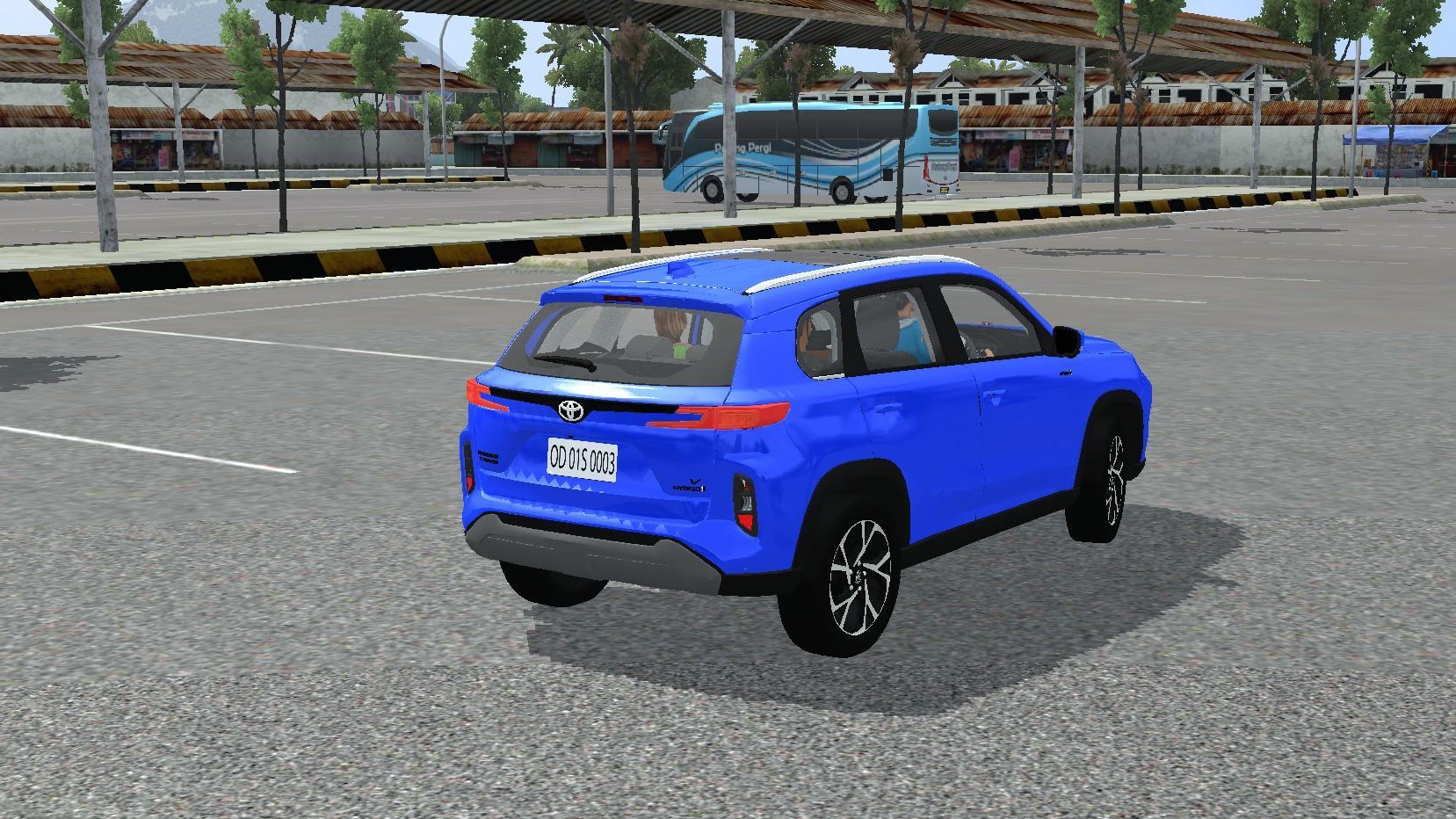
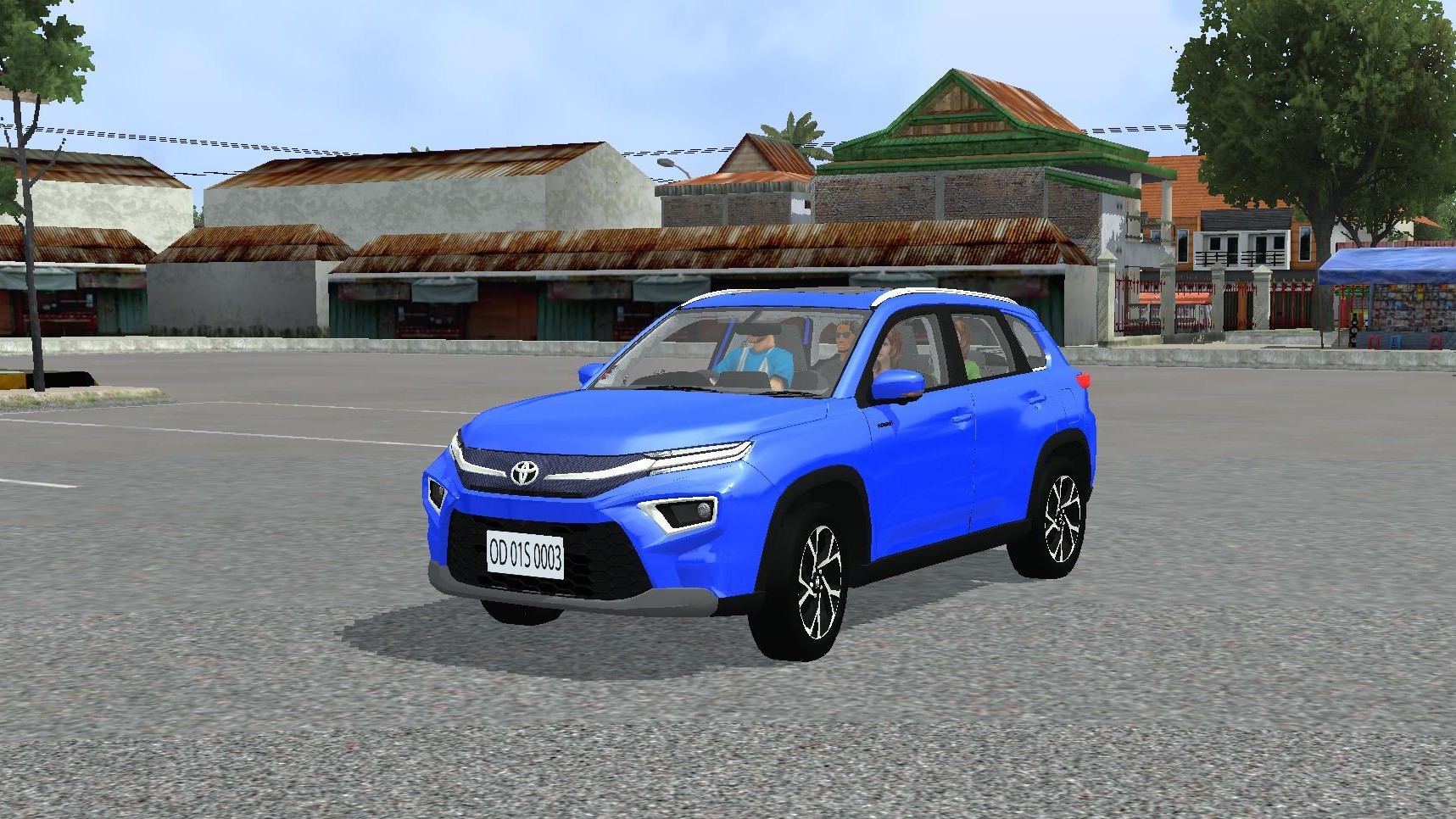
Description -
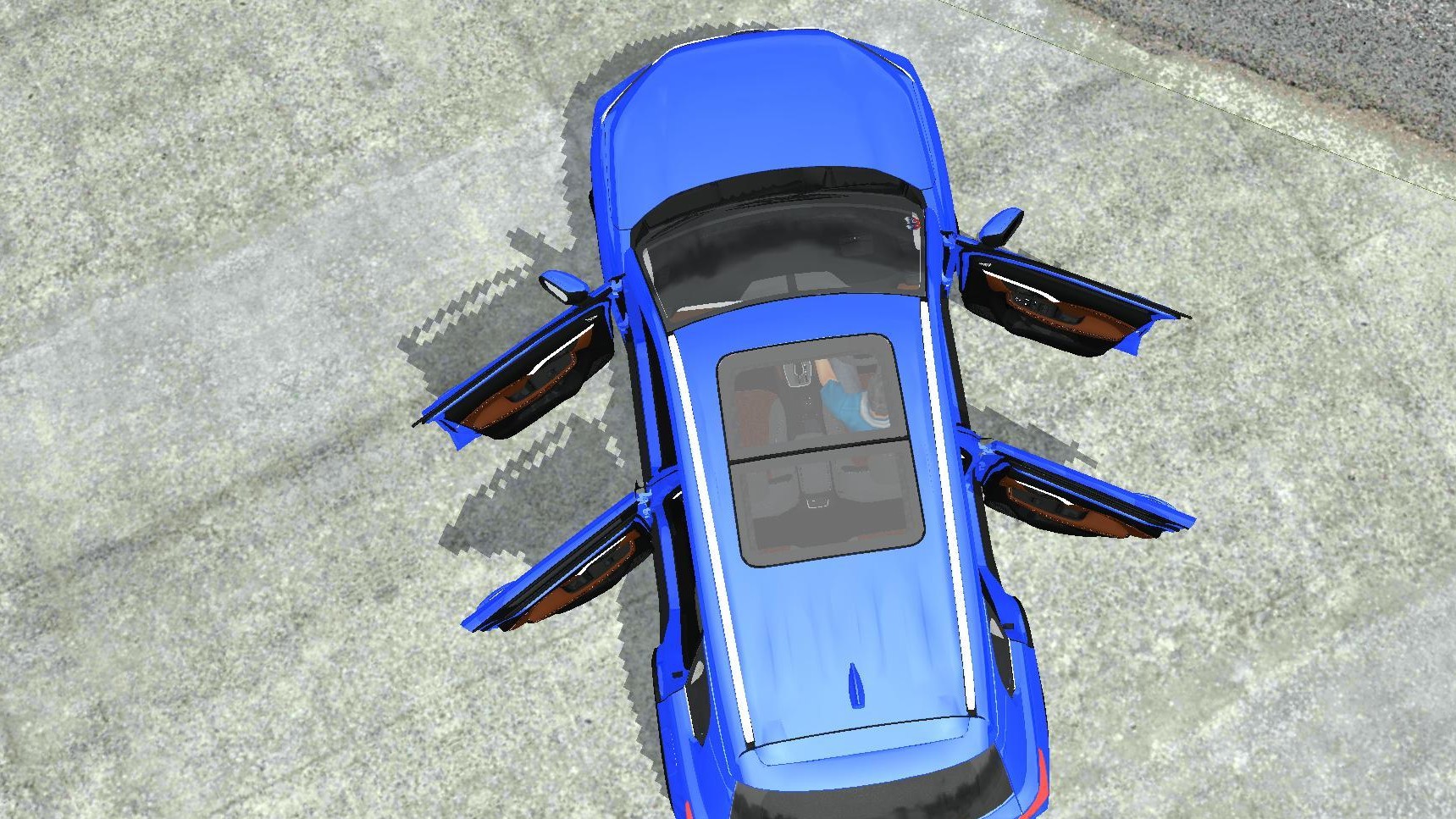
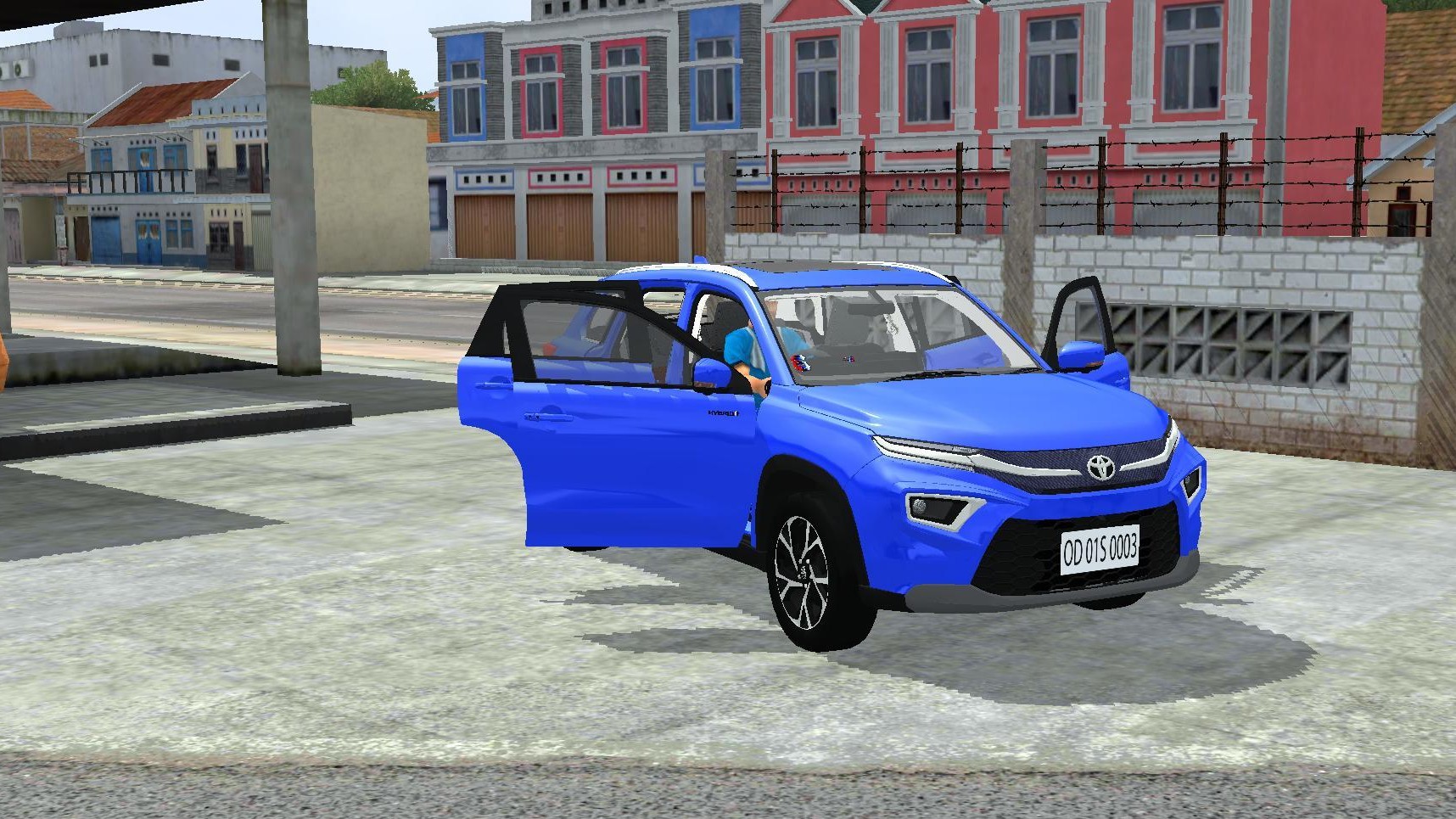
Toyota Hyryder Mod Bussid
1. Best and most realistic physics
2. Realistic Car Models
3. Interior lightening
4. Optimized 3d Model (Triangles – 182k)
5. Driver Door animation
6. Passenger door animation
7. Engine hood animation
8. Interior lighting with low beam light
9. Ao-Baked Texture
10. Sunvizer Animation And curtain animation
11. Reverse Camera
12. SunRoof Animation
13. Passenger Animation
Credits –
3d Model – G5 Gamers
Special Thanks To – Kalpesh Kapure
Author -
Simulation World
Info -
Total Downloads: 240
Total Comments: 0
Uploaded On: April 30, 2026
Total Likes: 10
Video -
How ton install Bussin Mods?
To install a mod in Bus Simulator India (BUSSIN), you generally need to download the mod file (usually ending in .bussidmod or .bussidvehicle) and move it into the game’s designated “Mods” folder using a file manager.
Step-by-Step Installation Guide
Download the Mod: Find a mod you like (bus, truck, or car)
Locate the File: Open a file manager app like ZArchiver and go to your Downloads folder to find the file.
Move the Mod File:
- Long-press the mod file and select Copy or Cut.
- Navigate to the internal storage folder named BUSSID.
- Open the Mods folder inside the BUSSID directory.
- Paste the file here.
Activate in Game:
- Open Bus Simulator India.
- Go to the MOD section on the main menu.
- If the mod isn’t showing, tap Import and select the file from your storage.
Use the Mod: Go to your Garage, scroll through your vehicles until you find the new mod, and tap Use.
Troubleshooting Tips-
- File Extension: Ensure the file ends in
.bussidmod. If it’s a.zipor.rarfile, you must extract it first to get the actual mod file. - Folder Missing: If you don’t see a “BUSSID” folder, you may need to create it manually in your device’s “Documents” or main storage area after running the game at least once.
- Restart: If the vehicle doesn’t appear in the garage immediately, try restarting the game.