
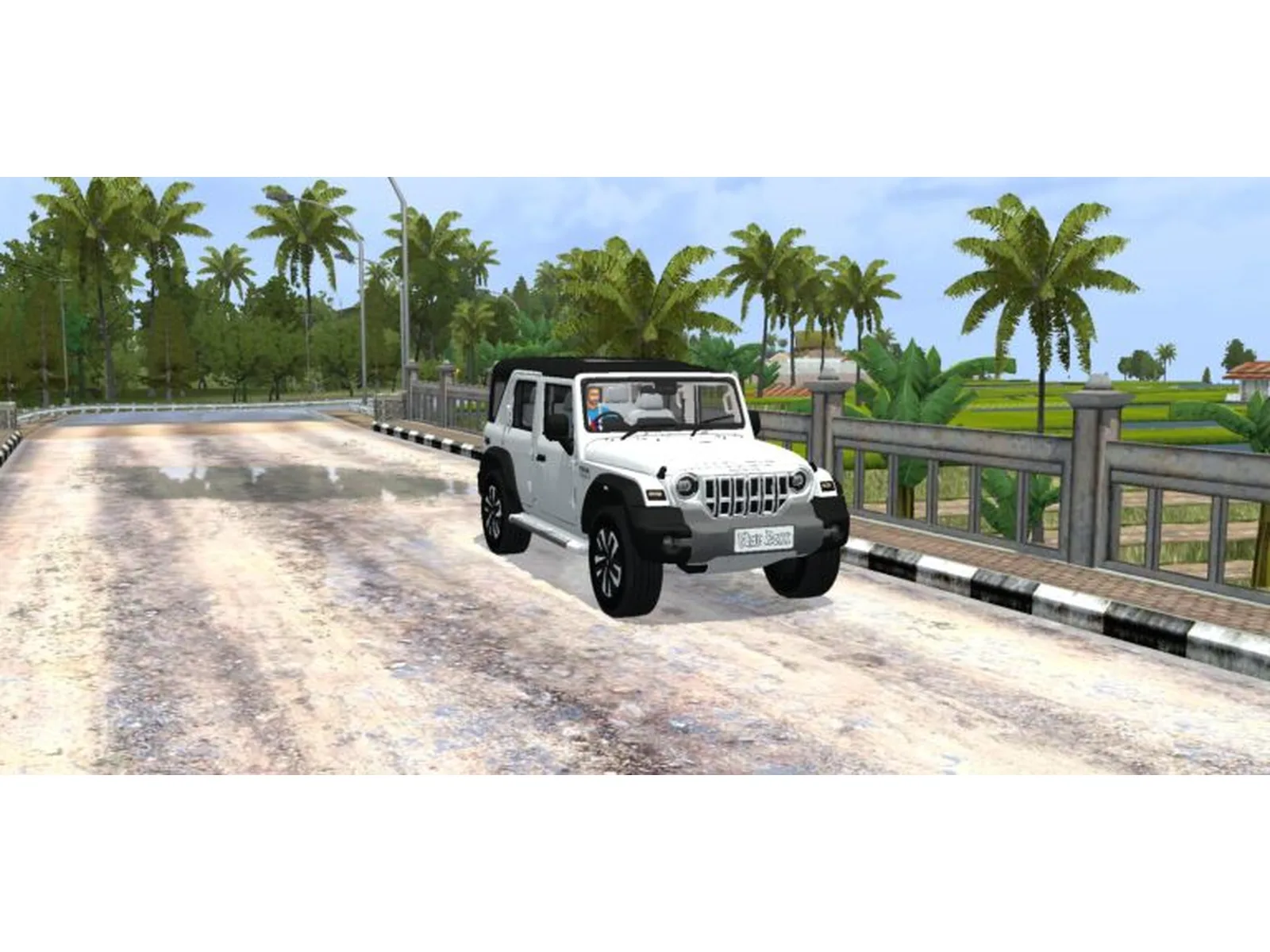
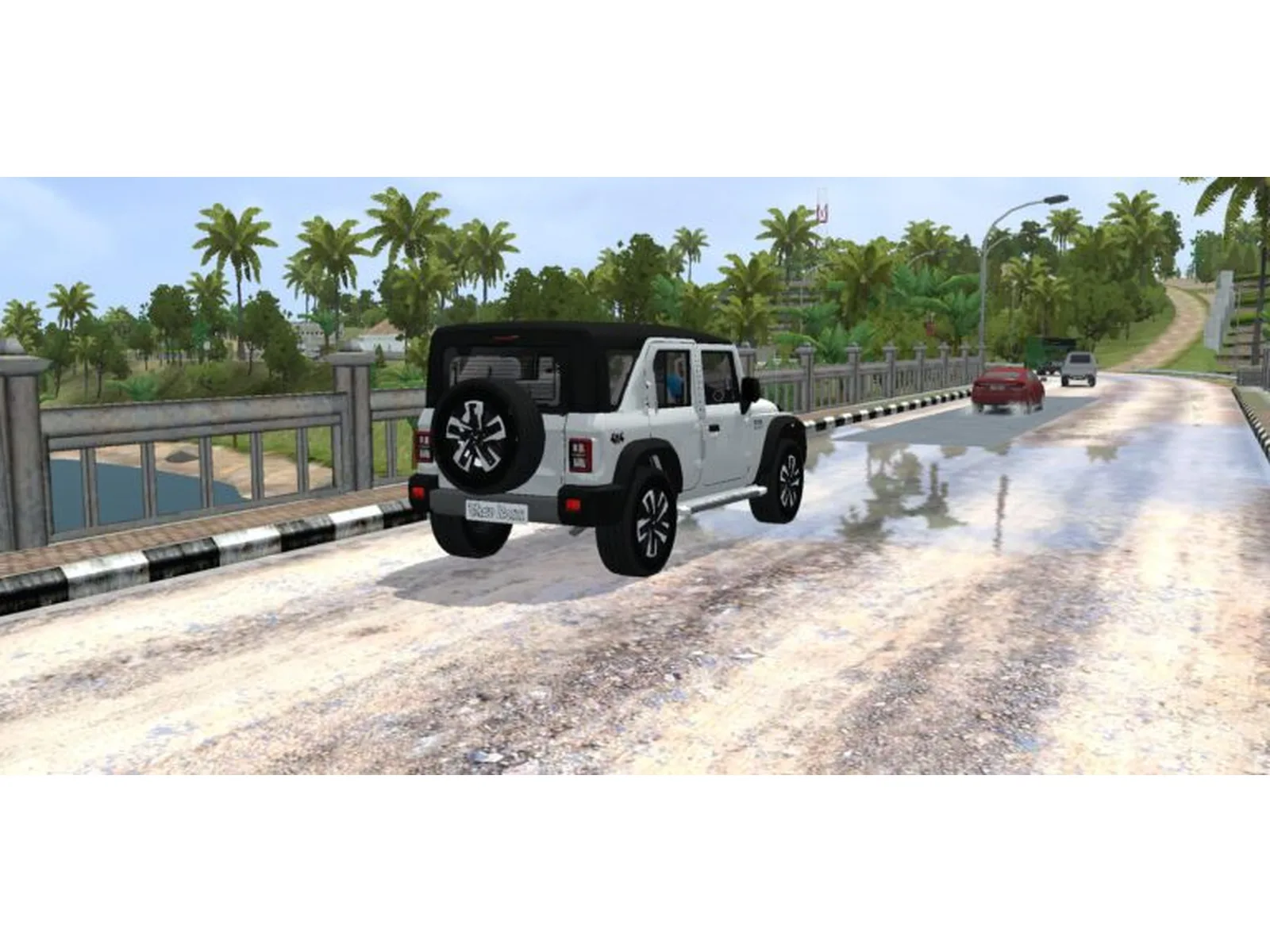
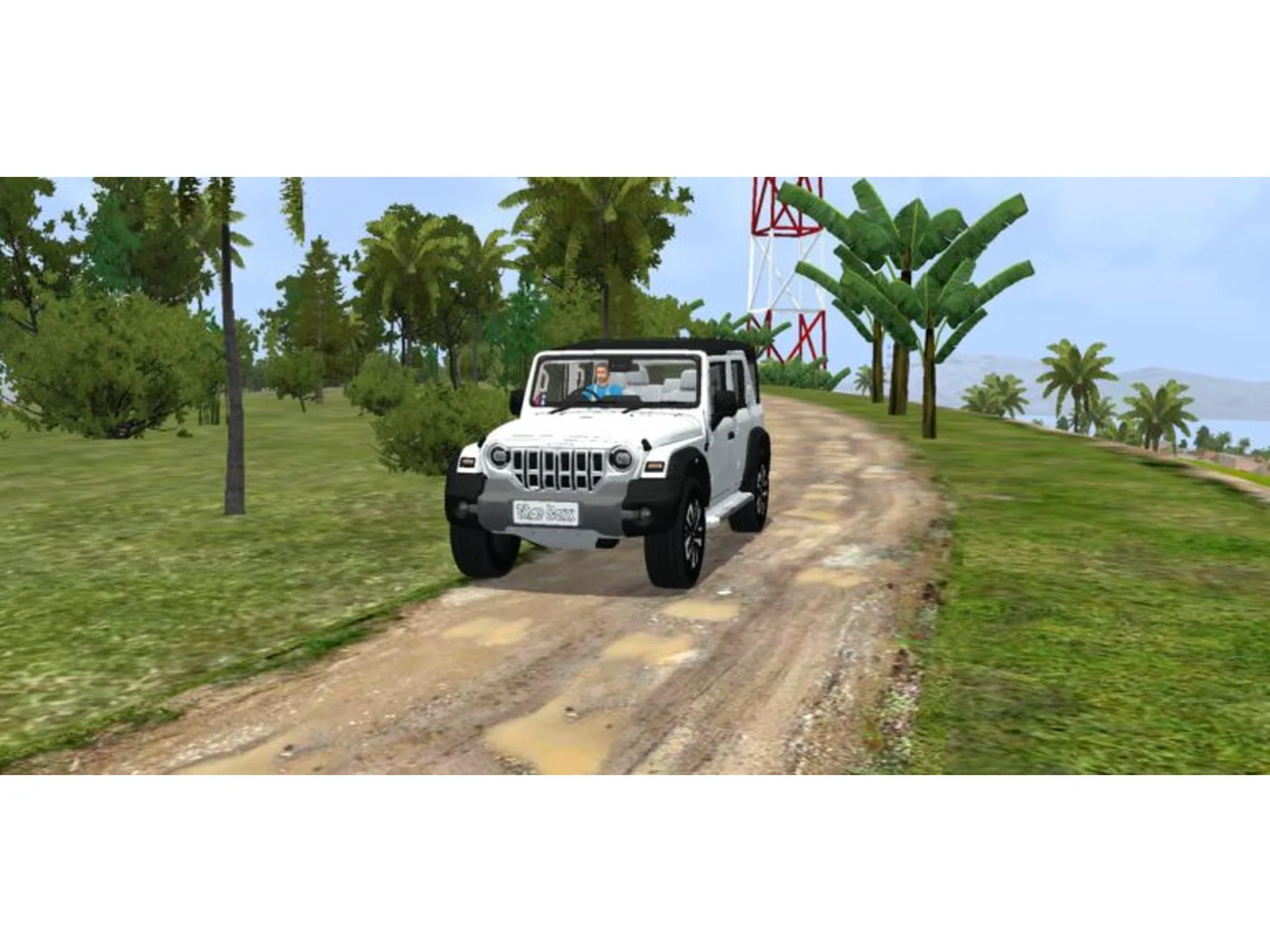
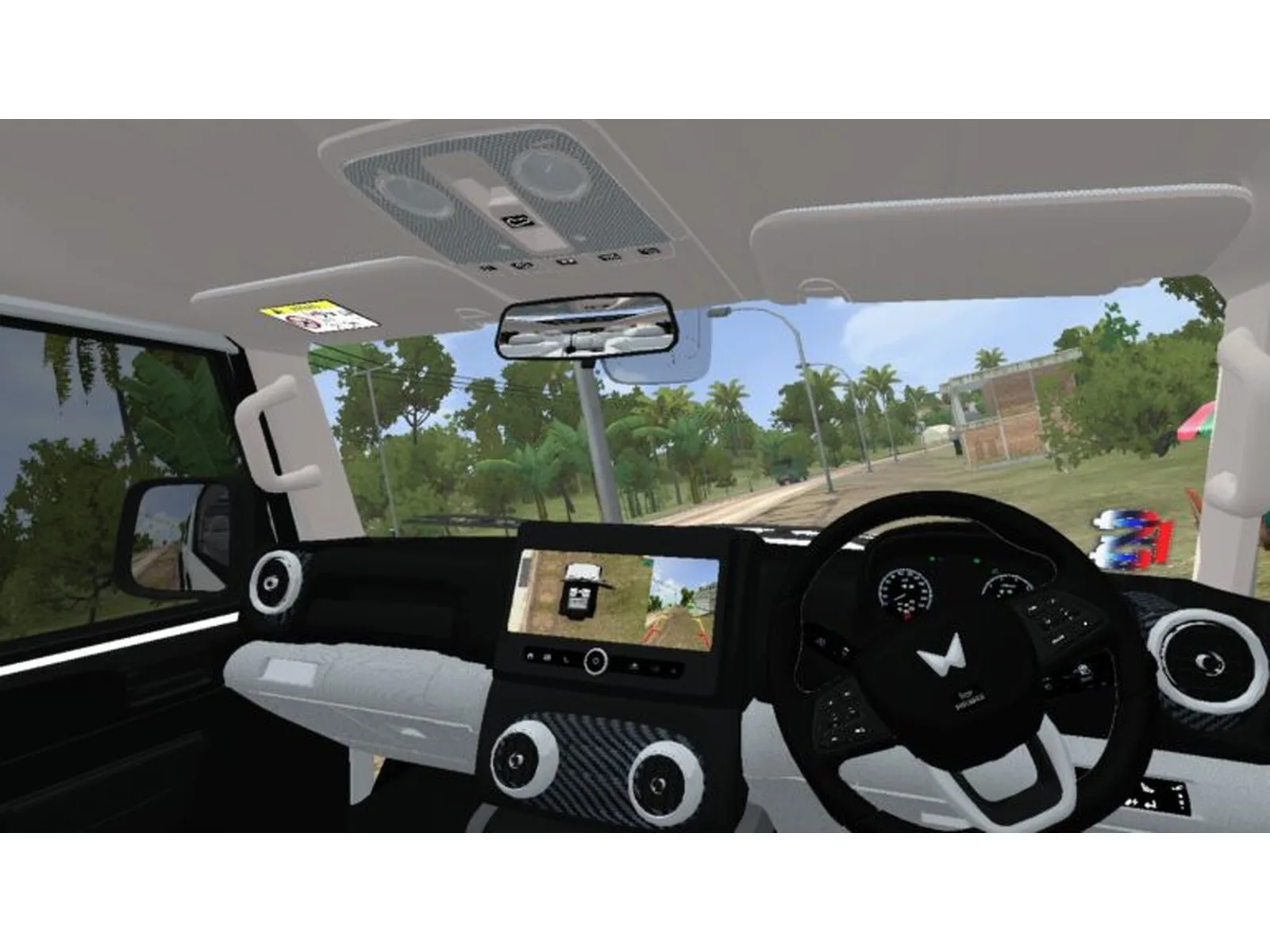
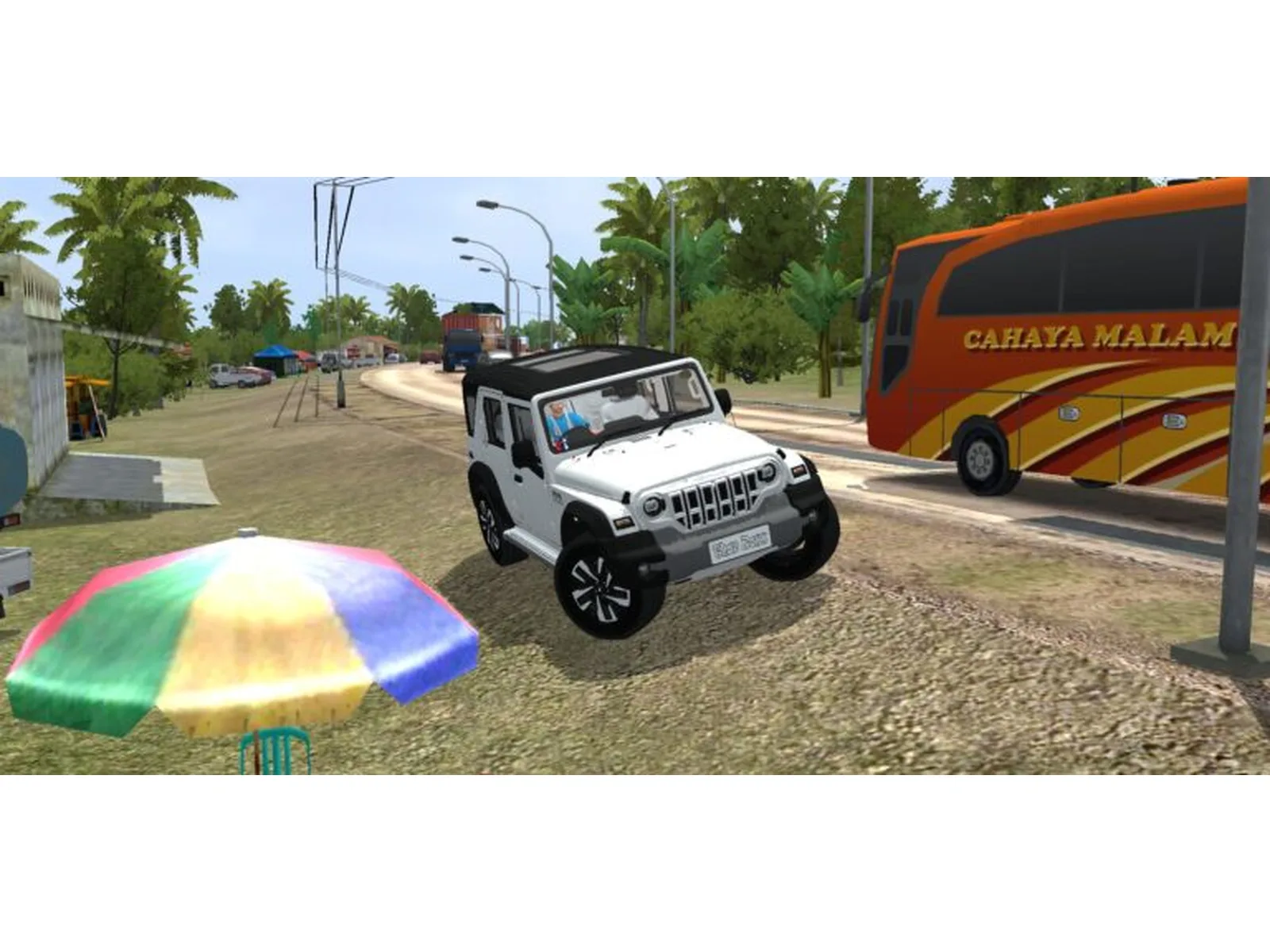
Mahindra Thar Roxx Premium Mod Bussin By Simulation World
Description
Mahindra Thar ROXX Realistic Mod Bussin Download
Features-
- 360+reverse
- camera door animation
- boot animation
- ets2 level
- rain effect
- Smooth control
Special thanks to Modding guruji and TeamF_Hawkz
About This Mod
Mahindra Thar Roxx Premium Mod Bussin By Simulation World
Experience the Mahindra Thar Roxx Premium Mod for Bussin, created by Simulation World. This premium SUV mod features a modern and rugged design inspired by the real Thar Roxx, making it a great choice for off-road driving, city cruising, and exploring different routes in Bussin.
Enjoy a detailed Indian SUV experience with the Mahindra Thar Roxx and take your Bussin gameplay to the next level.
Video Preview
How ton install Bussin Mods?
To install a mod in
Bus Simulator India (BUSSIN),
you generally need to download the mod file
(usually ending in .bussidmod or
.bussidvehicle) and move it into the
game’s designated “Mods” folder using a file manager.
Step-by-Step Installation Guide
- Download the Mod: Find a mod you like (bus, truck, or car)
- Locate the File: Open a file manager app like ZArchiver and go to your Downloads folder to find the file.
-
Move the Mod File:
- Long-press the mod file and select Copy or Cut.
- Navigate to the internal storage folder named BUSSID.
- Open the Mods folder inside the BUSSID directory.
- Paste the file here.
-
Activate in Game:
- Open Bus Simulator India.
- Go to the MOD section on the main menu.
- If the mod isn’t showing, tap Import and select the file from your storage.
- Use the Mod: Go to your Garage, scroll through your vehicles until you find the new mod, and tap Use.
Troubleshooting Tips
-
File Extension:
Ensure the file ends in
.bussidmod. If it’s a.zipor.rarfile, you must extract it first to get the actual mod file. - Folder Missing: If you don’t see a “BUSSID” folder, you may need to create it manually in your device’s “Documents” or main storage area after running the game at least once.
- Restart: If the vehicle doesn’t appear in the garage immediately, try restarting the game.
Comments 0
Share your thoughts about this mod.
You need to be logged in to post a comment.
Sign In to Comment