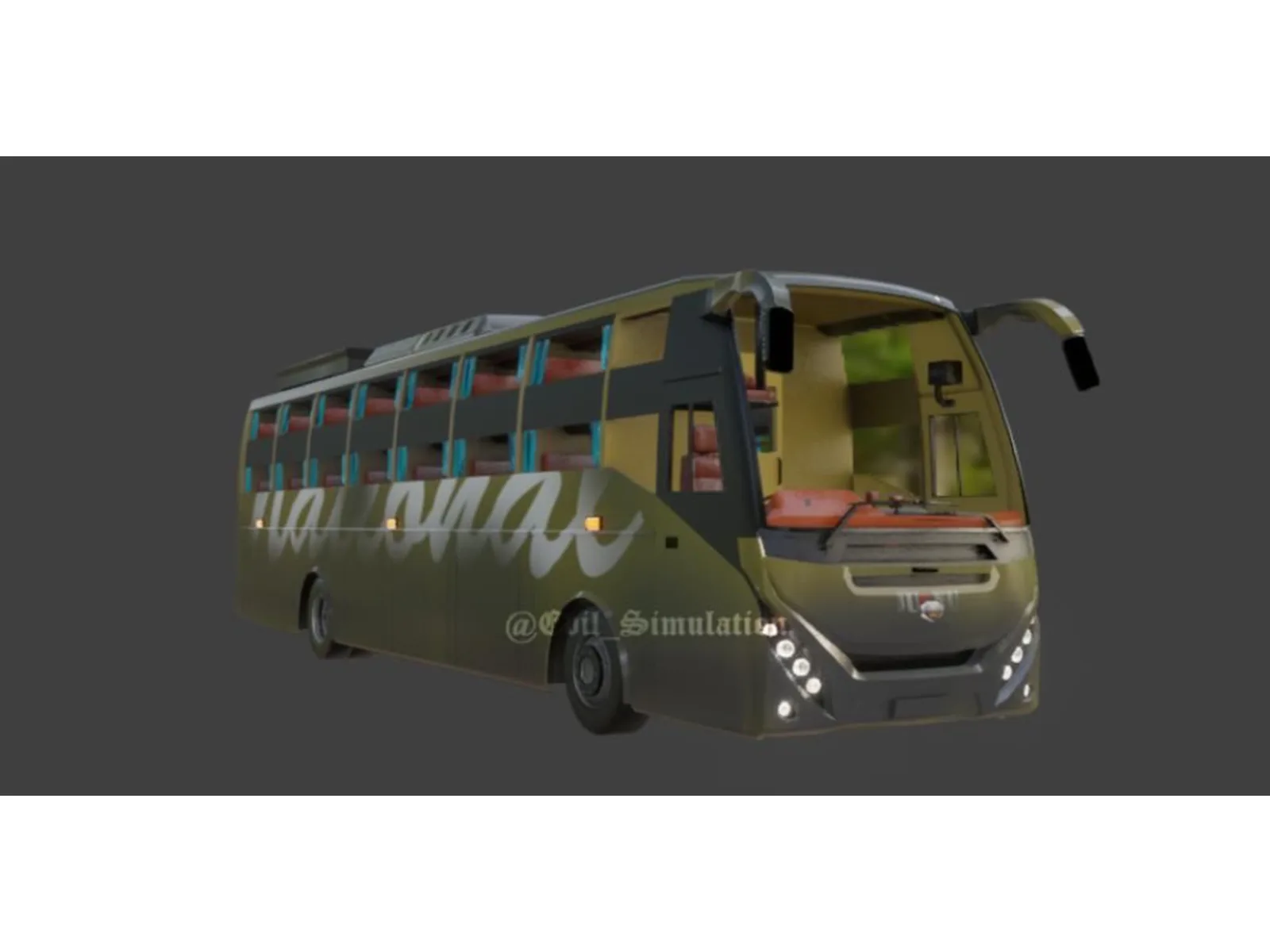
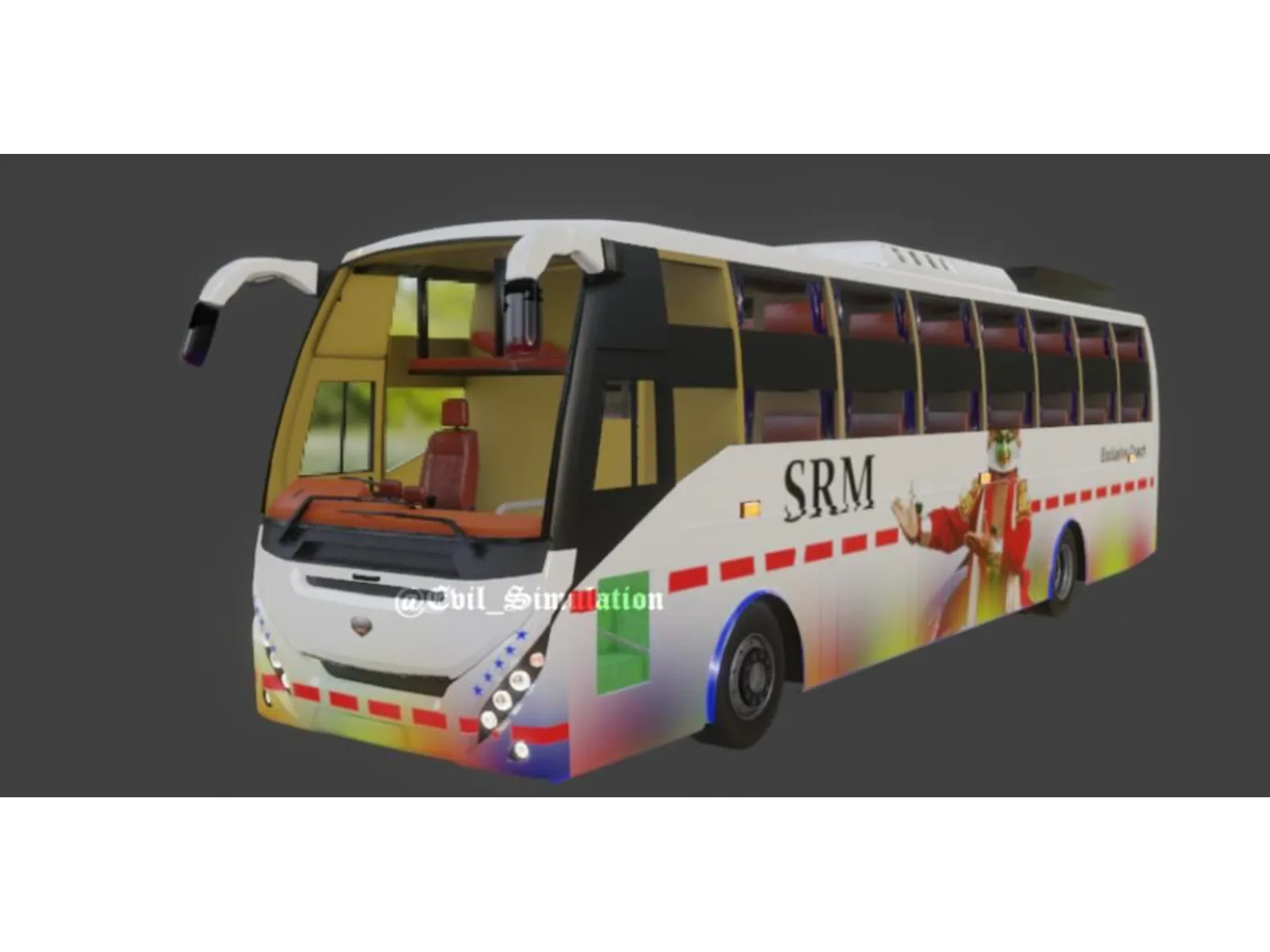
Mg Lotus Coach BUS Mod Bussin Simulation World
Description
Mod Features
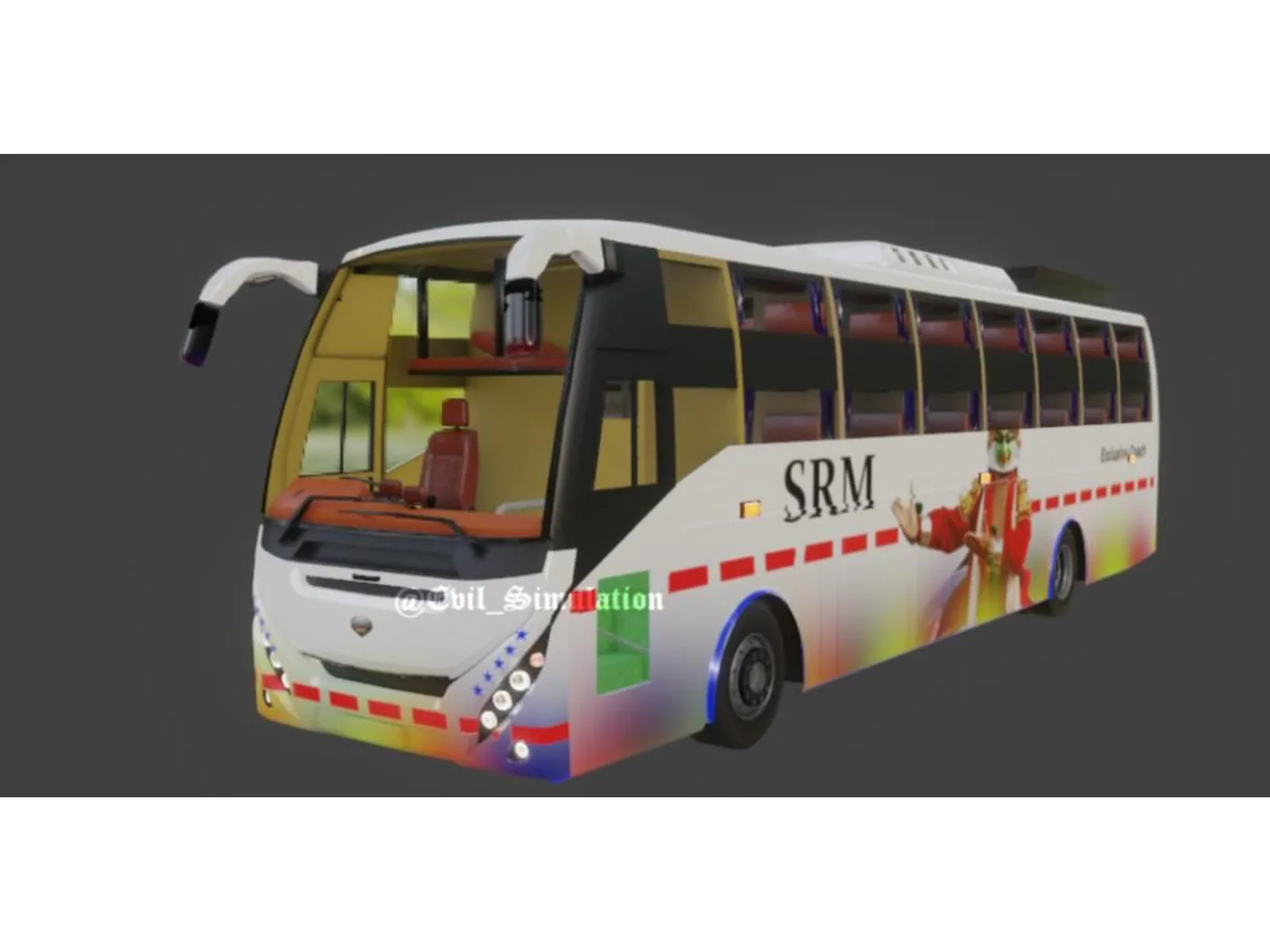
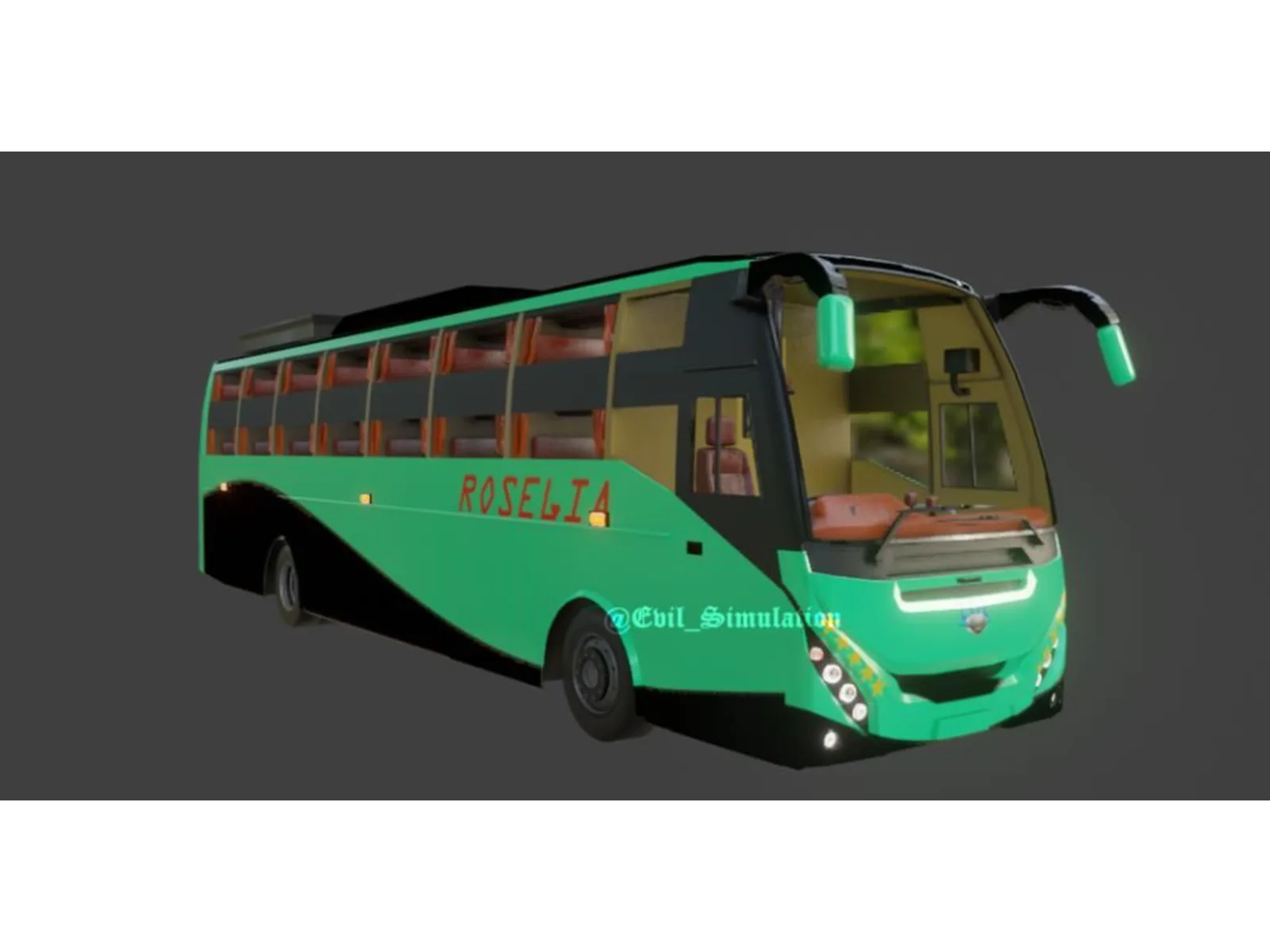
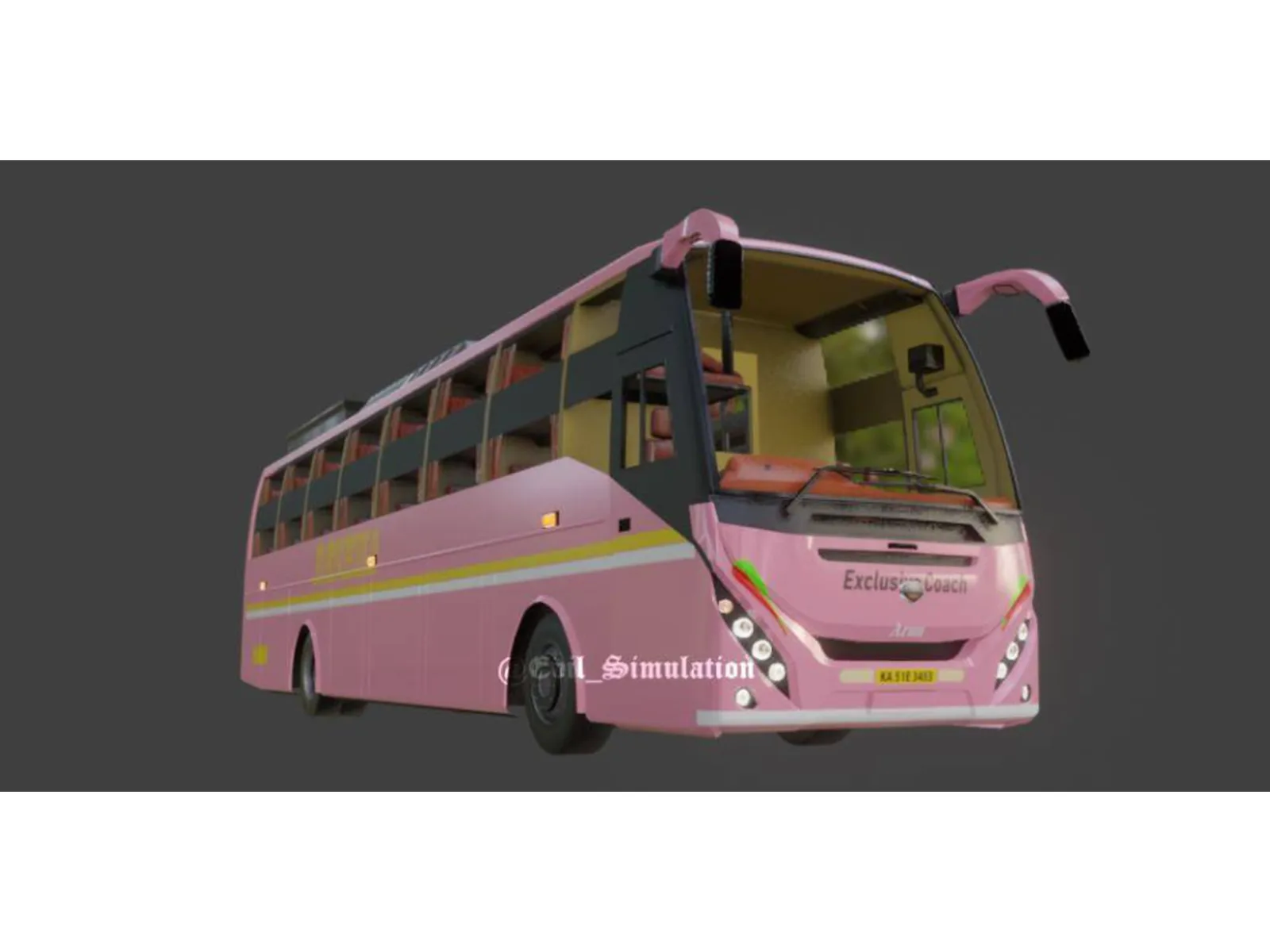
- 🚌 MG Lotus Coach Bus
- 🎮 Made specifically for Bussin
- ✨ Detailed exterior design
- 🪑 Detailed passenger interior
- 🛞 Custom driving and handling
- 💡 Functional lights
- 🔊 Bus sound support
- 🎨 Detailed textures and materials
- ⚙️ Optimized for an enjoyable in-game experience
- 👤 Created by Simulation World
Bus: MG Lotus Coach
Game: Bussin
Category: Buses / Coaches
Author: Simulation World
About This Mod
MG Lotus Coach Bus — Bussin Mod
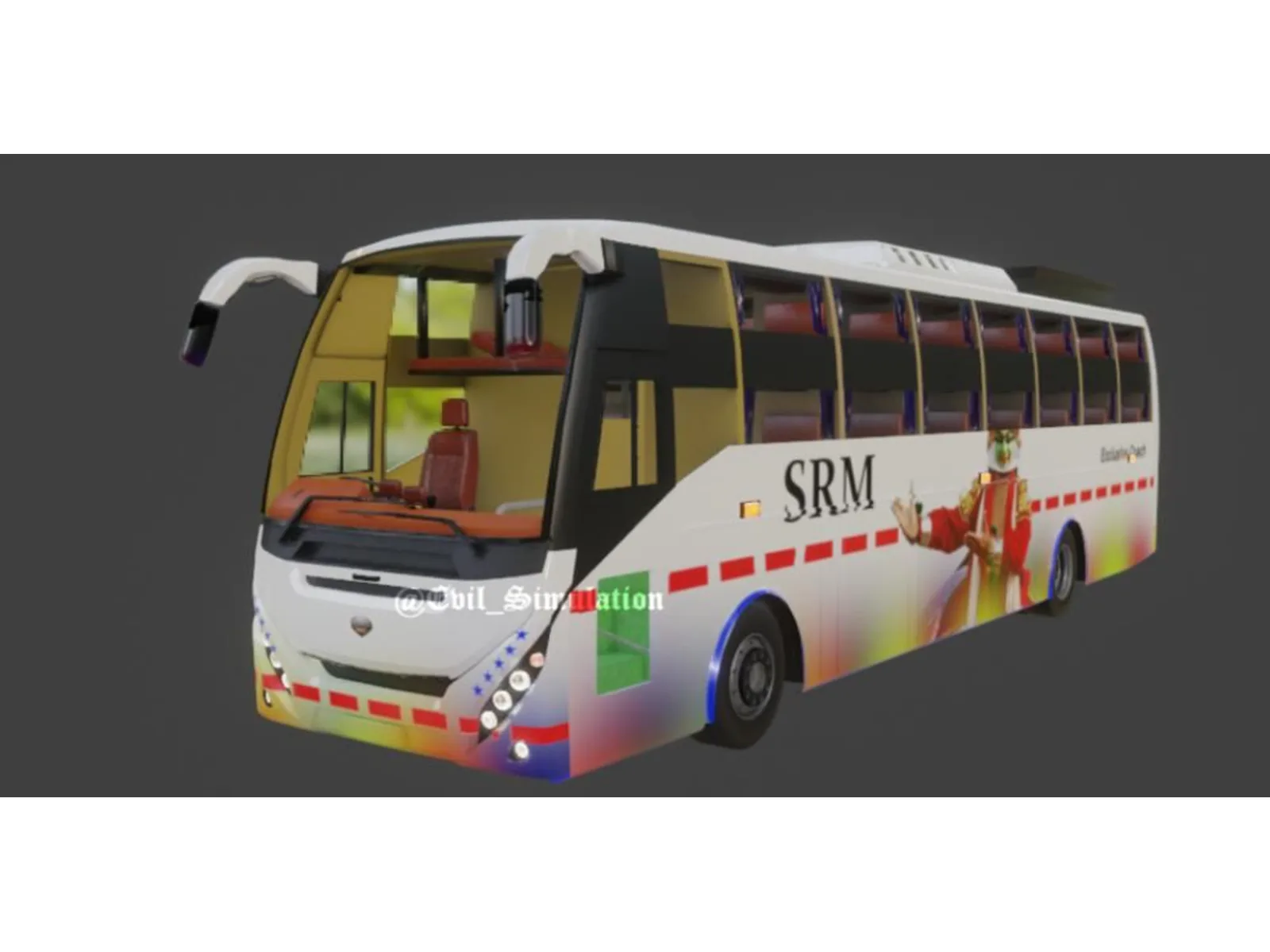
Experience the MG Lotus Coach Bus in Bussin with this detailed bus mod by Simulation World. Designed as a comfortable long-distance coach, the MG Lotus brings a modern touring-bus experience to Bussin with its distinctive exterior styling, spacious passenger cabin, and road-ready design.
Whether you're driving passengers across the city or taking the coach on longer journeys, the MG Lotus is built to provide a smooth and enjoyable driving experience in Bussin.
Video Preview
How ton install Bussin Mods?
To install a mod in
Bus Simulator India (BUSSIN),
you generally need to download the mod file
(usually ending in .bussidmod or
.bussidvehicle) and move it into the
game’s designated “Mods” folder using a file manager.
Step-by-Step Installation Guide
- Download the Mod: Find a mod you like (bus, truck, or car)
- Locate the File: Open a file manager app like ZArchiver and go to your Downloads folder to find the file.
-
Move the Mod File:
- Long-press the mod file and select Copy or Cut.
- Navigate to the internal storage folder named BUSSID.
- Open the Mods folder inside the BUSSID directory.
- Paste the file here.
-
Activate in Game:
- Open Bus Simulator India.
- Go to the MOD section on the main menu.
- If the mod isn’t showing, tap Import and select the file from your storage.
- Use the Mod: Go to your Garage, scroll through your vehicles until you find the new mod, and tap Use.
Troubleshooting Tips
-
File Extension:
Ensure the file ends in
.bussidmod. If it’s a.zipor.rarfile, you must extract it first to get the actual mod file. - Folder Missing: If you don’t see a “BUSSID” folder, you may need to create it manually in your device’s “Documents” or main storage area after running the game at least once.
- Restart: If the vehicle doesn’t appear in the garage immediately, try restarting the game.
Comments 0
Share your thoughts about this mod.
You need to be logged in to post a comment.
Sign In to Comment